Never Struggle withPerformance ReviewsAgain
AccomplishMint helps you document achievements throughout the year with AI-powered conversational prompts, then transforms them into polished, professional summaries for your reviews.
Four steps from done to documented
Build your accomplishment record as you work. When review time comes, you filter—not scramble—to find the examples you need.
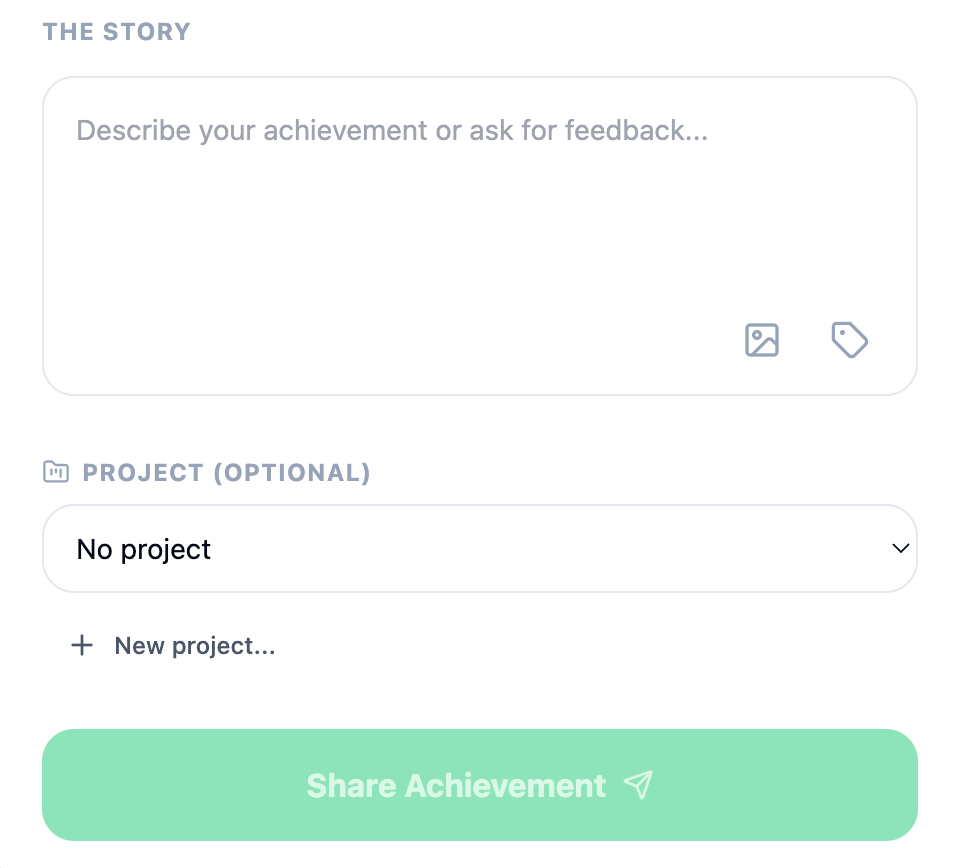
- Step 1
Log it
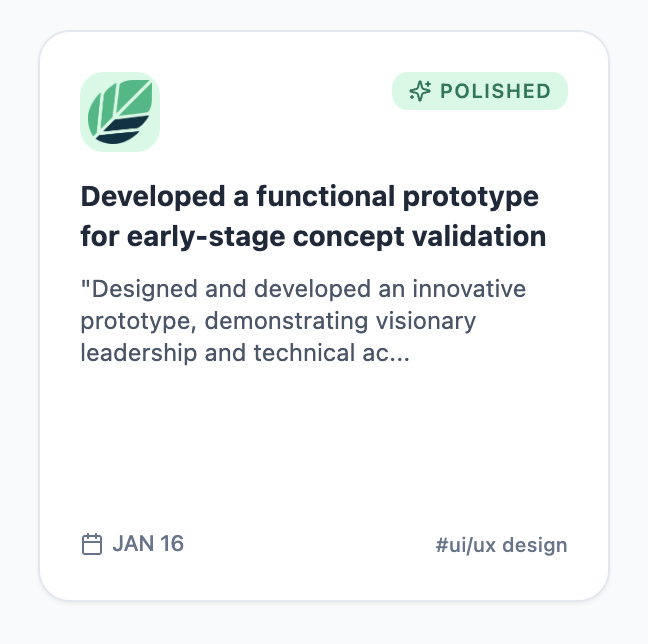
When you finish something worth remembering, write a quick journal entry—a shipped feature, solved problem, or moment of impact.
- Step 2
Assign a project
Link the entry to the team, initiative, or role it belongs to so your work stays organized as you move between projects.
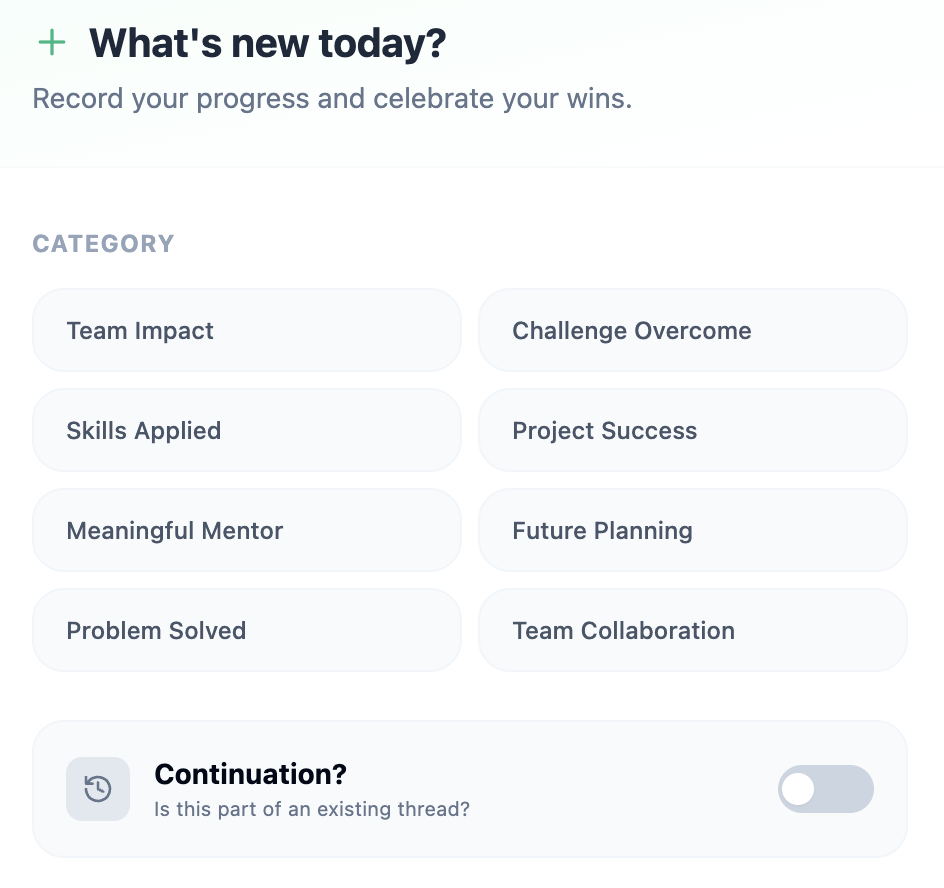
- Step 3
Tag it
Add keywords that match how you'll search later—skills, competencies, company values, or the themes your review asks about.
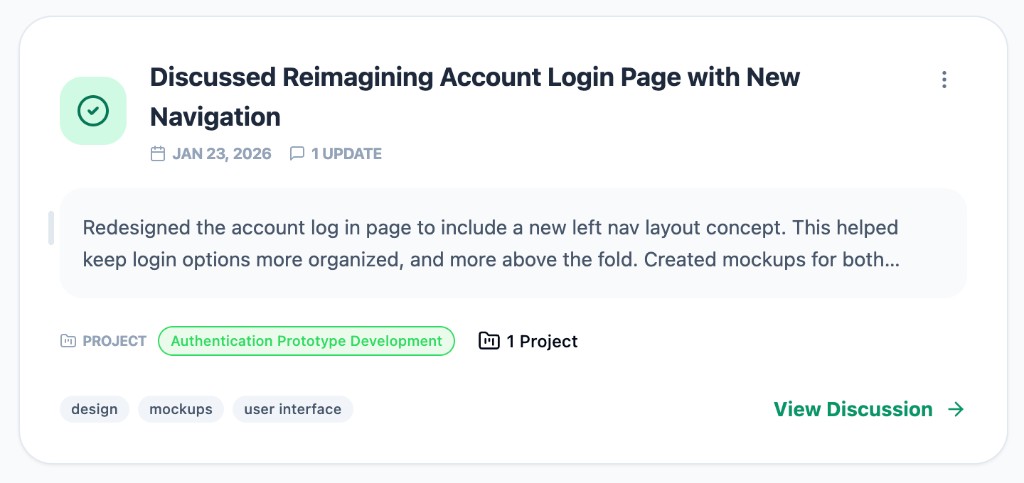
- Step 4
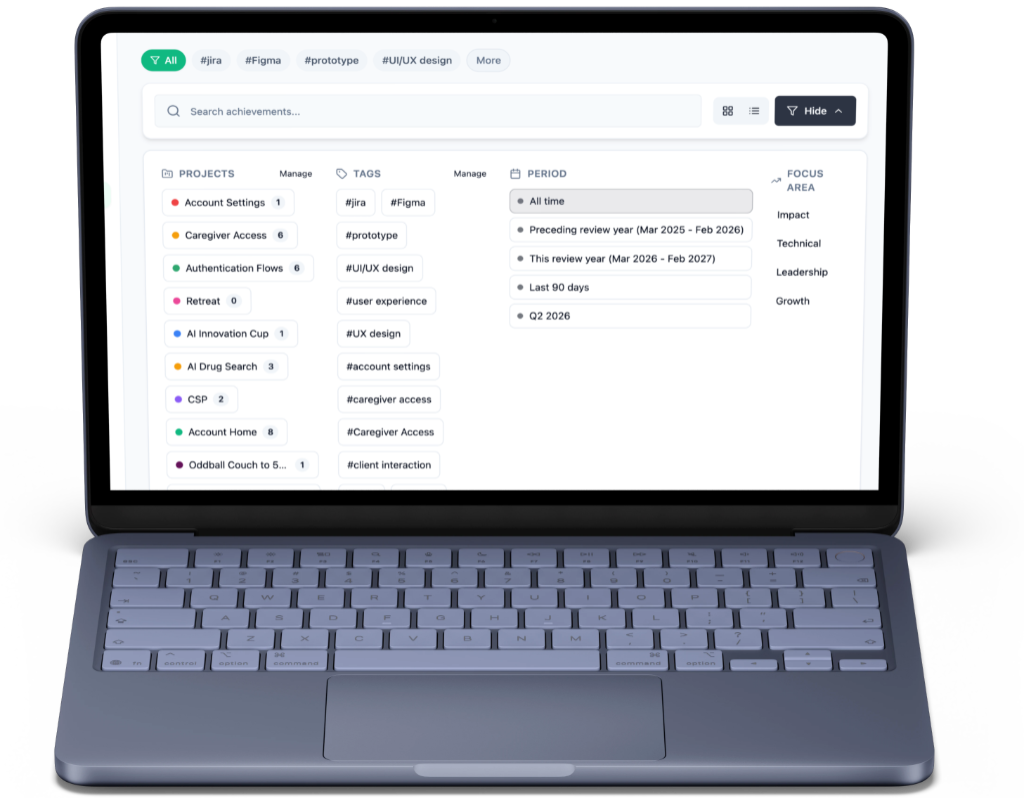
Filter at review time
When performance review season arrives, filter your Wins timeline by tag. Your examples are already grouped and ready to write.
Tag for how your review is structured
Every company evaluates differently—core values, leadership principles, competency frameworks, or role-specific goals. Tag entries with whatever your review asks for, so when it's time to write, filter your accomplishments on the Wins timeline and your examples are already grouped.
Use your company's language, or pick themes that fit any role—whether you lead teams, support customers, build products, or mentor others.
Step 3 in action — tag an entry
Mentored intern through first customer-facing project
Paired weekly, reviewed deliverables, and helped them present findings to stakeholders.
Step 4 in action — filter on your Wins timeline
Onboarded two new teammates through their first release cycle
Engineering#mentorshipRan monthly knowledge-sharing sessions for the support team
Customer Success#mentorship#collaborationCreated onboarding docs adopted by three teams
Platform#mentorship#impact
- Step 1
Save a role
Add a job you're interested in—company, title, and posting details—so each application starts with context, not a blank page.
- Step 2
Generate materials
AI pulls from the wins you've already logged to draft a tailored resume and cover letter for that specific role.
- Step 3
Export & apply
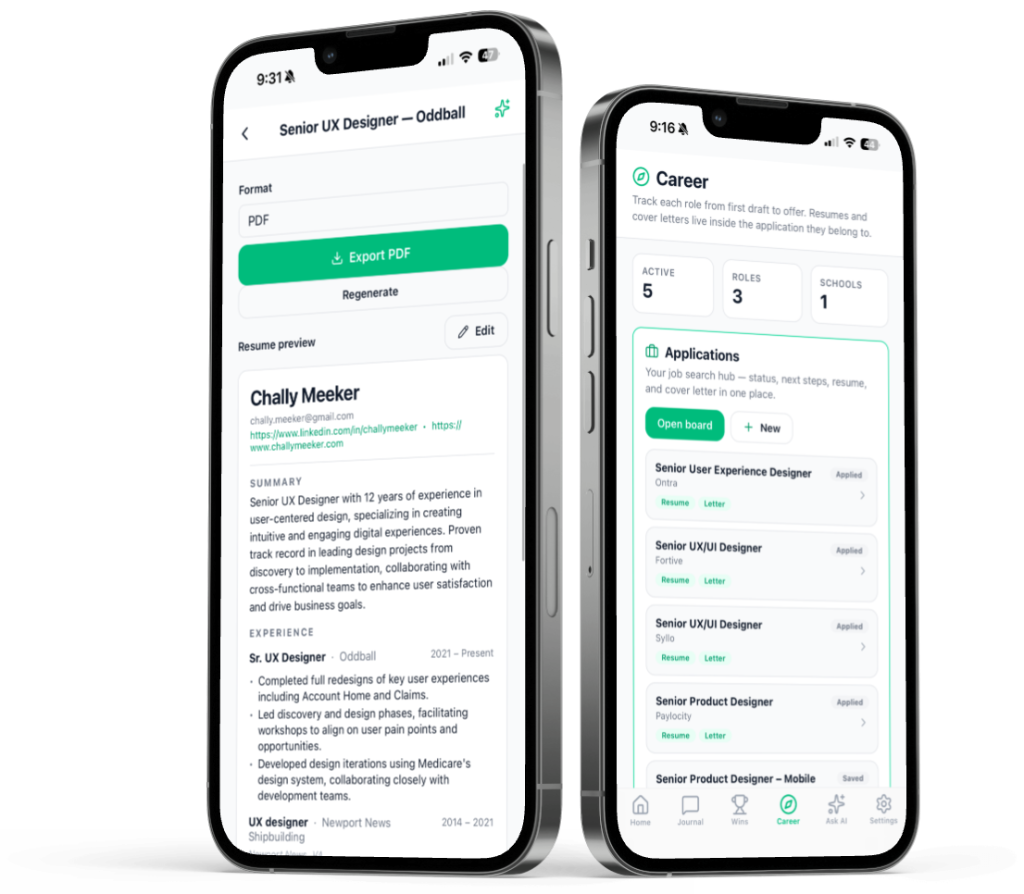
Preview, edit, regenerate, and download PDFs tied to each application. Your materials stay linked to the role they were built for.
- Step 4
Track your pipeline
Drag applications through stages—from Saved to Applied, Interview, and Offer—so you always know what's next.
From logged wins to job-ready materials
When you're ready to move on—or just exploring options—turn the record you've been building into tailored resumes, cover letters, and a tracked application pipeline.
One hub for every application
Each role gets its own package—posting details, tailored resume, cover letter, and pipeline status. No more digging through folders or rewriting the same bullet points from scratch. Your journal and wins do the heavy lifting.
Track applications, regenerate materials, and export PDFs—all from the same Career hub on web and iOS.
Step 2 in action — wins feed your resume
Senior Product Manager
Northwind Health · Remote
Wins selected for this role
- Led migration that cut login failures by 40%
- Mentored intern through first customer-facing project
- Shipped self-serve onboarding used by 2,000+ users
Step 4 in action — your application board
Saved
2
Applied
3
Sr. Product Manager
Northwind Health
Interview
1
Offer
0